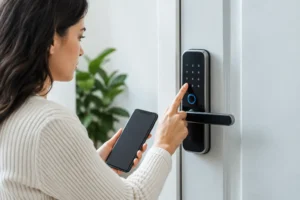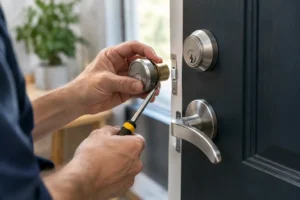
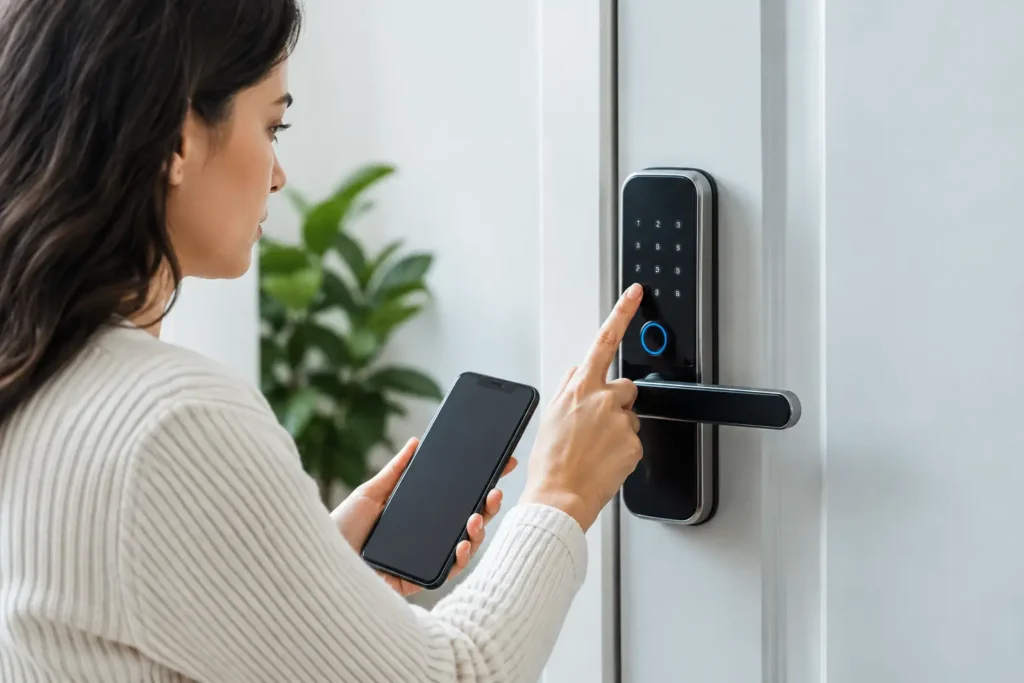
A digital lock reset can be the right answer after a forgotten code, staff change, tenant move-out, or suspected security concern. But resetting the wrong way can erase working credentials, leave the door unusable, or create a bigger problem when you are already locked outside. The safest approach depends on the lock model, its power condition, and whether you still have authorized access to the property.
For homeowners, tenants, and office managers in Singapore, the goal is simple: restore secure access quickly without damaging the lock or compromising the door. A reset is useful in some cases, but it is not a cure for every digital lock problem.
When a Digital Lock Reset Makes Sense
A reset is usually appropriate when you are the owner or authorized property manager and need to remove old access information. This commonly happens after a tenant moves out, a helper or contractor no longer needs access, an employee leaves, or a keypad code may have been shared too widely.
It may also help when the lock is behaving normally but will not accept the known user code. Some digital locks can develop settings errors after battery replacement, power interruption, or repeated incorrect entries. If the lock still powers on, responds to buttons, and shows no signs of physical damage, a manufacturer-approved reset may restore normal operation.
However, a reset should not be the first response to every issue. If the lock beeps weakly, the screen is dim, the keypad is unresponsive, or the motor sounds strained, the problem may be low batteries or a mechanical alignment issue instead. Resetting a lock with a sticking bolt or weak power supply may not solve anything.
Check These Issues Before Resetting the Lock
Start by confirming that the batteries are fresh and correctly installed. Digital door locks can appear faulty when batteries are low, especially in humid conditions or after long periods of use. Replace all batteries together with the type recommended for the lock. Avoid mixing old and new batteries, as uneven power can cause unreliable operation.
Next, check the door position. A digital lock may reject a code or fail to engage properly if the door has shifted, the strike plate is misaligned, or the bolt is rubbing against the frame. This is common with wooden doors affected by heat and moisture, as well as doors that have settled over time. Test the lock while the door is open, then compare its operation when the door is closed.
Also confirm that you are using the correct authorized code, card, fingerprint, or app credential. If several people use the lock, it is easy to confuse a temporary code with the main administrator code. Do not keep guessing repeatedly. Many models activate a short security lockout after too many failed attempts, which can delay access further.
How to Handle a Digital Lock Reset Safely
Only reset a digital lock on a door you own or are authorized to manage. Before doing anything, locate the lock manual, model number, purchase record, or installer details. Reset procedures vary widely between brands and models, and a button sequence that works for one lock may not work for another.
Make Sure You Can Still Access the Property
Do not reset a digital lock while standing outside with no working backup option. If the reset removes current codes or requires the door to remain open during setup, you could be left without access. Have the mechanical key, an authorized backup credential, or another safe way to enter before starting.
For a main entrance door, it is best to keep the door open while completing the approved reset and testing process. This lets you confirm that the latch, bolt, keypad, and handle work correctly before closing the door.
Record What Will Be Removed
A factory reset often deletes user PINs, fingerprints, RFID cards, app connections, schedules, and administrator settings. Before proceeding, make a clear record of who currently has access and which credentials need to be recreated afterward.
For an office, this matters more than most people expect. Resetting a lock without a plan can interrupt staff access, cleaning schedules, delivery arrangements, and after-hours entry. Decide in advance who will receive administrator access and who only needs a standard user credential.
Follow the Manufacturer’s Approved Procedure
Use the instructions provided for your exact model. Some locks require a reset button inside the battery compartment, while others require an administrator menu or a specific confirmation sequence. Never force the cover, press internal components at random, or attempt to bypass the lock mechanism.
Once the approved reset is complete, create a new administrator code that is not easy to guess. Avoid birthdays, unit numbers, phone numbers, and repeated patterns. Then add user codes individually and test each one with the door open before relying on it.
When Resetting Will Not Fix the Problem
A digital lock reset will not repair damaged hardware. If the keypad is cracked, the handle is loose, the latch does not move smoothly, or the lock makes repeated error sounds, the issue may require repair or replacement. The same applies when water exposure, corrosion, or a forced-entry attempt has affected the lock.
Door alignment is another common cause of trouble. A digital lock can have perfectly good electronics but still fail because the bolt cannot enter the strike plate cleanly. Forcing the handle or repeatedly operating the motor against resistance can worsen internal wear. A locksmith can inspect both the lock and door frame, then adjust or replace the affected components where needed.
If you have forgotten the administrator code and cannot access the lock’s authorized reset process, avoid trial-and-error methods found online. Different locks have different protections, and incorrect attempts can trigger lockouts or delete settings unnecessarily. Professional assistance is often faster and less costly than replacing a lock that could have been serviced.
When to Call a Locksmith for a Digital Lock Reset
Call a locksmith when you are locked out, the lock has no power, the reset procedure is unclear, or the door will not secure after a reset. It is also wise to get help after a break-in attempt, when a lock has been exposed to rain, or when the digital lock is installed on a glass office door, metal gate, or older wooden door with alignment issues.
A professional locksmith can assess whether the lock needs a reset, new batteries, adjustment, repair, or replacement. This prevents the common mistake of resetting a lock that is actually failing mechanically. For rental units and offices, a locksmith can also help set up access changes properly after a move-out or staff transition.
Pro-Smith and Lock provides on-site support for digital lock concerns, main door lock work, office access issues, and urgent lockouts across Singapore. With more than 14 years of locksmith experience, the focus is on identifying the actual fault and providing a practical fix instead of recommending unnecessary work.
Keep Your Digital Lock Easier to Manage
After the lock is working again, keep one authorized backup method available. This may be a properly stored mechanical key, a documented administrator credential kept securely by the owner, or an approved backup access arrangement for the household or office.
Review user access after any major change, such as a tenant turnover, employee departure, lost phone, or misplaced access card. Remove old credentials promptly rather than waiting for a future reset. Replace batteries before they fail completely, and do not ignore early signs such as delayed keypad response, warning beeps, or an inconsistent motor sound.
A digital lock should make daily access simpler, not create uncertainty at the door. When the cause is clear, an authorized reset can restore control quickly. When it is not, getting an experienced locksmith to inspect the lock can protect both your door and your peace of mind.